01
How to aim a cardioid so the keyboard disappears
Using the dead zone properly, which is free and instant.
★★☆ · 5 MIN
 How To: Gaming
THE HOW TO CO. — EDITION 10
How To: Gaming
THE HOW TO CO. — EDITION 10
THE DETAIL
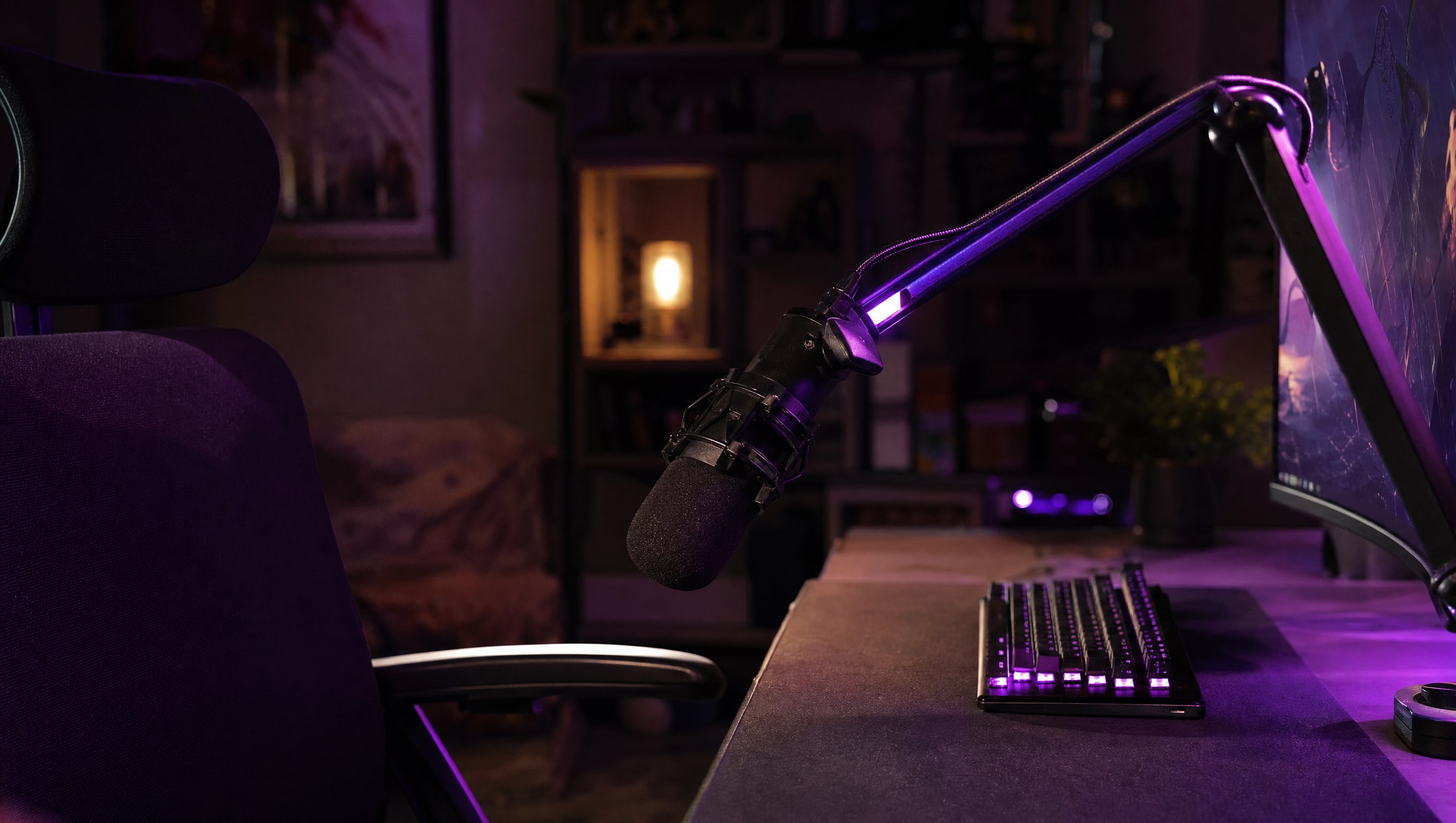
A cardioid microphone is loud in front, quieter at the sides, and very nearly deaf directly behind. That deaf spot is a free noise gate, and almost nobody uses it. Turn the microphone so the keyboard, the tower fan and the door all sit behind it rather than in front, and you remove more noise than any software will.
5 PIECES · IN THE WORKSHOP
Five pieces about the half of a stream that people actually leave over.
01
Using the dead zone properly, which is free and instant.
★★☆ · 5 MIN
02
Setting it up before you need it, rather than during.
★★★ · 9 MIN
03
What each type actually does to a voice.
★★☆ · 6 MIN
04
Gain, normalisation and what platforms do to your audio.
★★☆ · 6 MIN
05
The ninety-second test, and what to listen for.
★☆☆ · 4 MIN
FROM THE CURATOR
The two changes that improved my stream most were free. I turned the microphone about thirty degrees so the keyboard sat in its dead spot, and I moved the light off the top of the monitor to forty-five degrees on my left. That was it. No purchase, one evening, and the difference is larger than anything I have bought since.
BY POPPY — CLASS: CURATOR · THEPINKPIPER.GG
SLOT 08 / 08 · STREAMING
Every station in this room has its own chapter. This one is 08. Back to the room to walk to another.