HowTo Network emblem How To: Gaming THE HOW TO CO. — EDITION 10
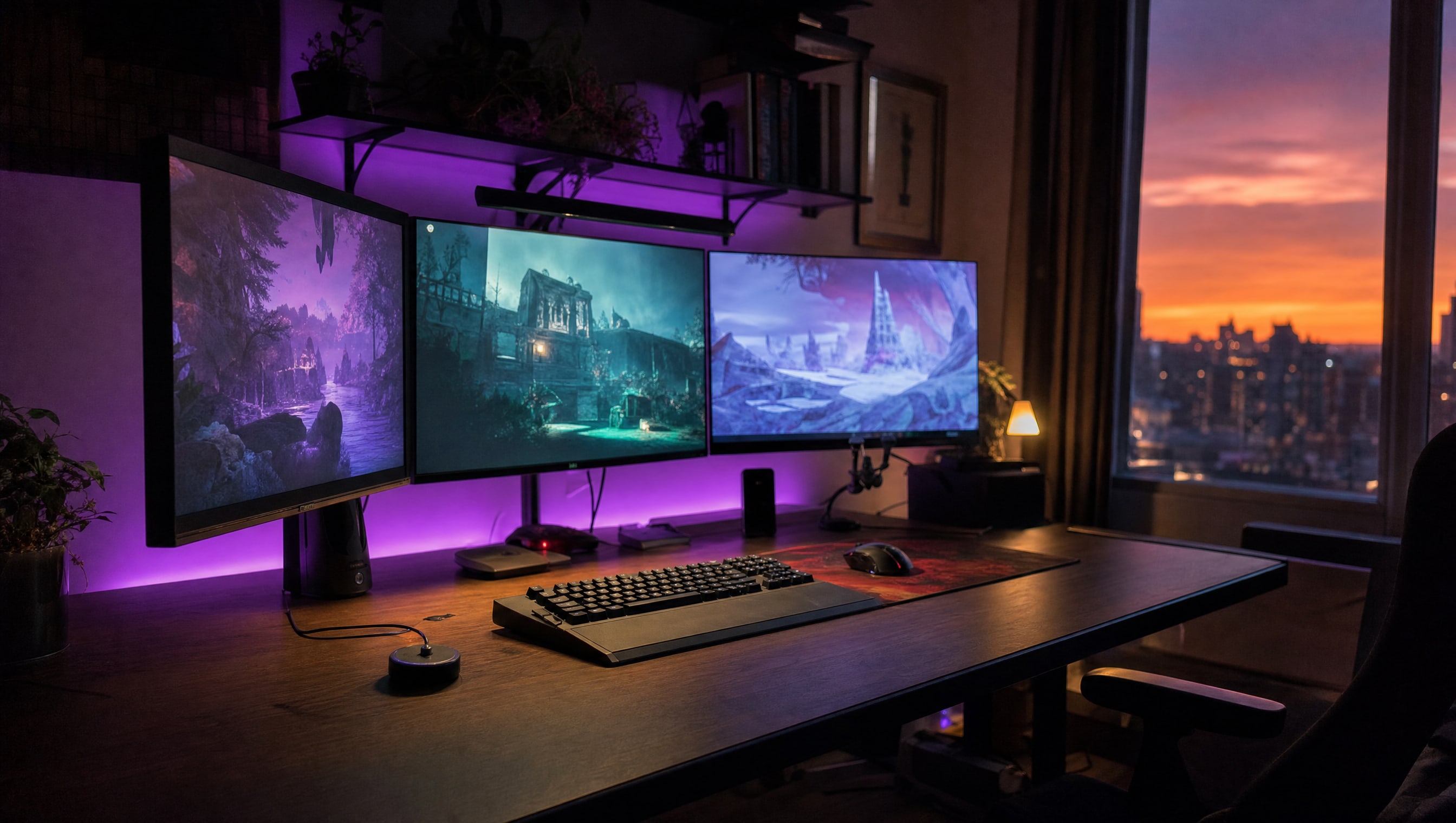
Three wide monitors in a row on a dark wood desk at dusk, bezels catching violet rim light.

SLOT 05 / 08 · MONITORS & DISPLAYS

Where the game actually lives.

Slot 05 is the only station you look at the entire time. It is also the one most often bought on the wrong number.

The wall, and the distance.

THREE WAYS IN

A display is judged twice: once by what the panel can do, and once by how far away you sit from it. The panel in front of you at arm’s length and the one across the room are not the same purchase and should not be shopped the same way. The step wedge between them is the part almost nobody ever looks at, and it is what tells you whether the picture you have is the picture you paid for.

01 THE PANEL At arm’s length, all day 02 THE TEST PATTERN Did you get what you paid for 03 ACROSS THE ROOM A different purchase entirely
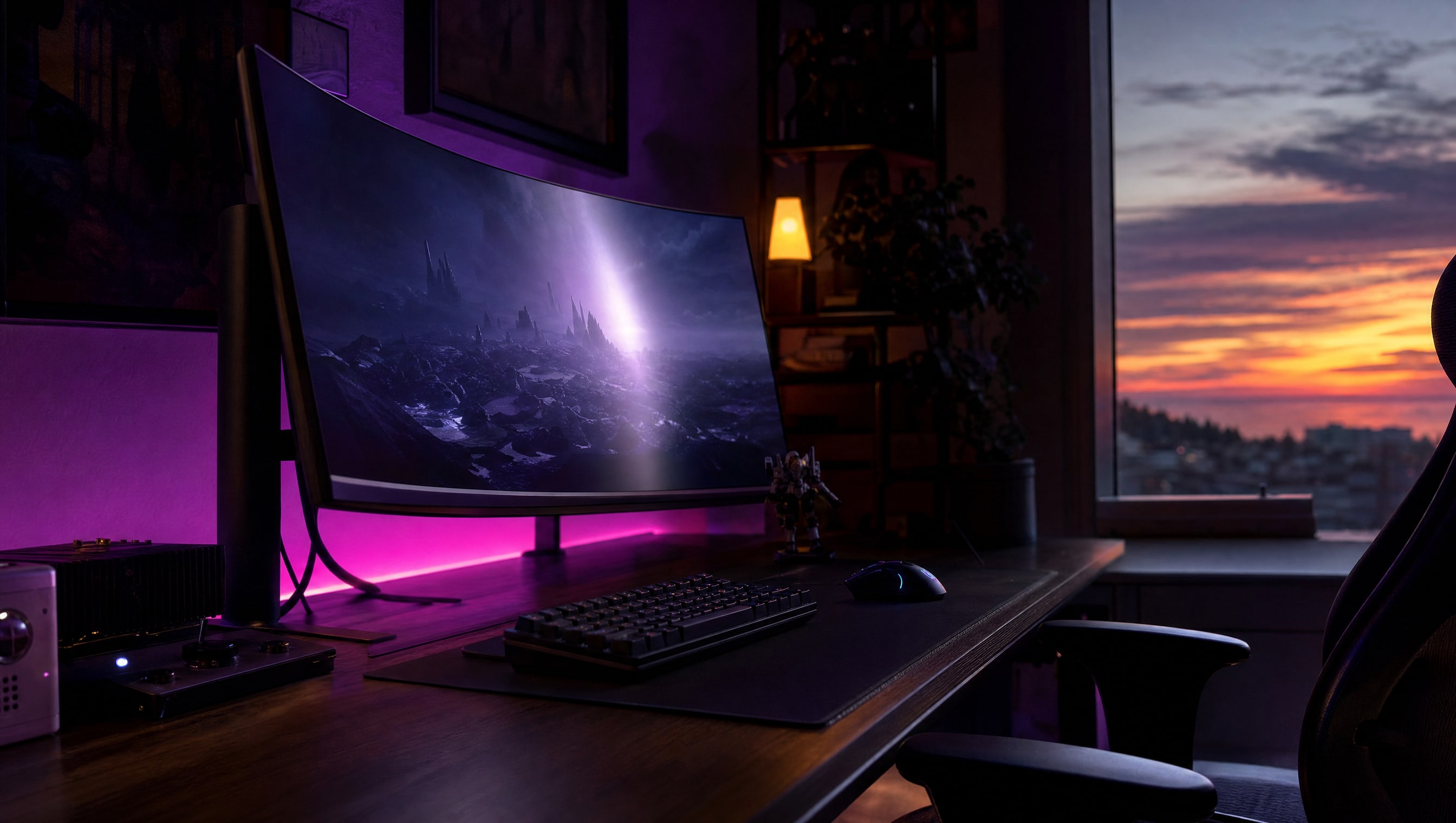
A single curved monitor seen at a low three-quarter angle, a long highlight down its face.

01

Choosing a Monitor

Refresh rate is the number on the box. Panel type and size at your desk depth are the two that decide whether you like it.

  • Size against how far your chair actually sits from the desk
  • IPS, VA, OLED — the trade each one is asking you to make
  • When a higher refresh rate stops being something you can feel
OPEN CHOOSING A MONITOR →
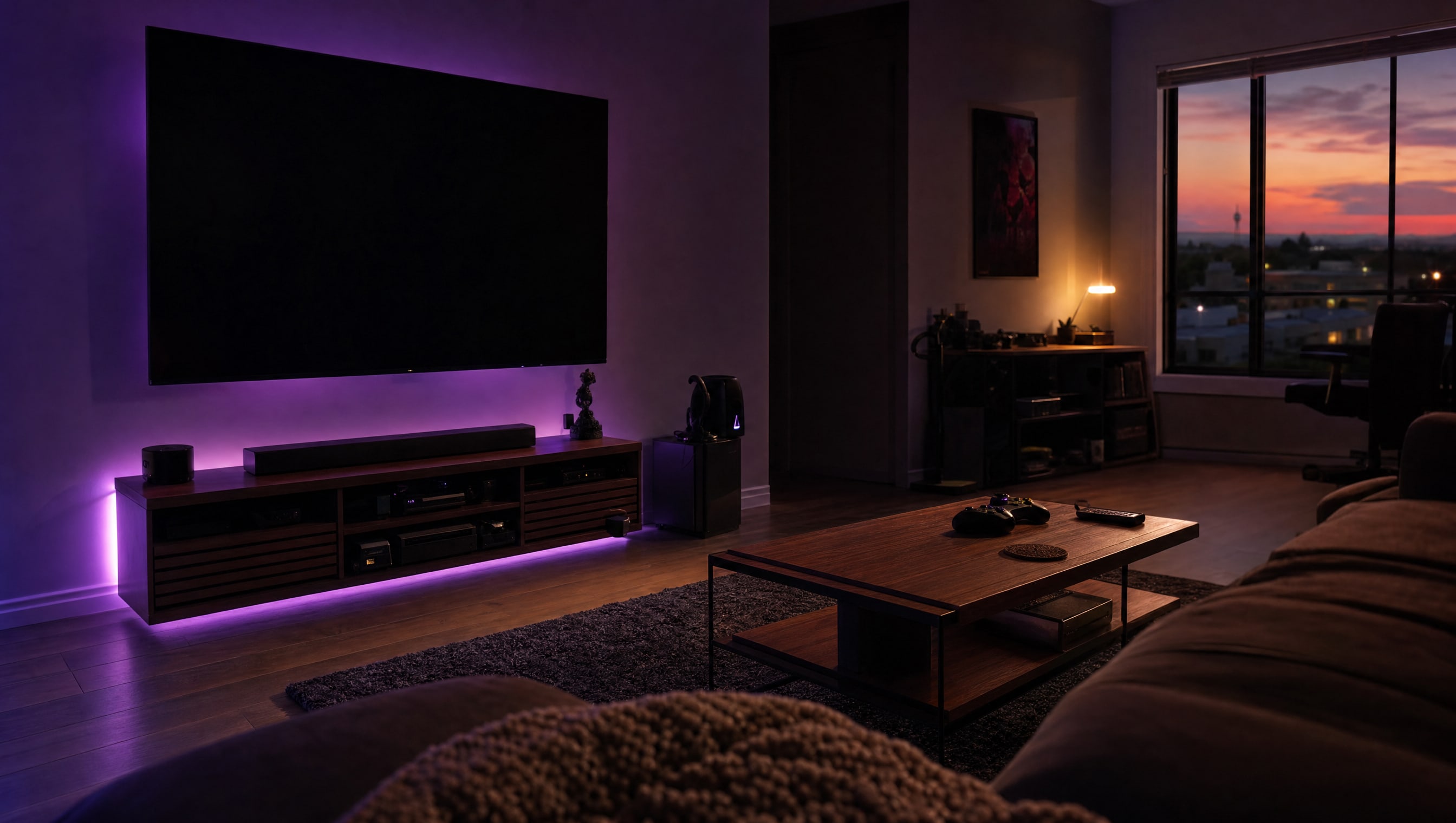
A large flat television on a wall across a dim room, seen from a low seated viewpoint.

02

TVs for Gaming

A television is a monitor that has been tuned for a shop floor. Most of the work is undoing that.

  • Game mode, and the processing it is actually switching off
  • Input lag, VRR and what your console can genuinely send
  • Burn-in on OLED: the real risk, and the habits that avoid it
OPEN TVS FOR GAMING →
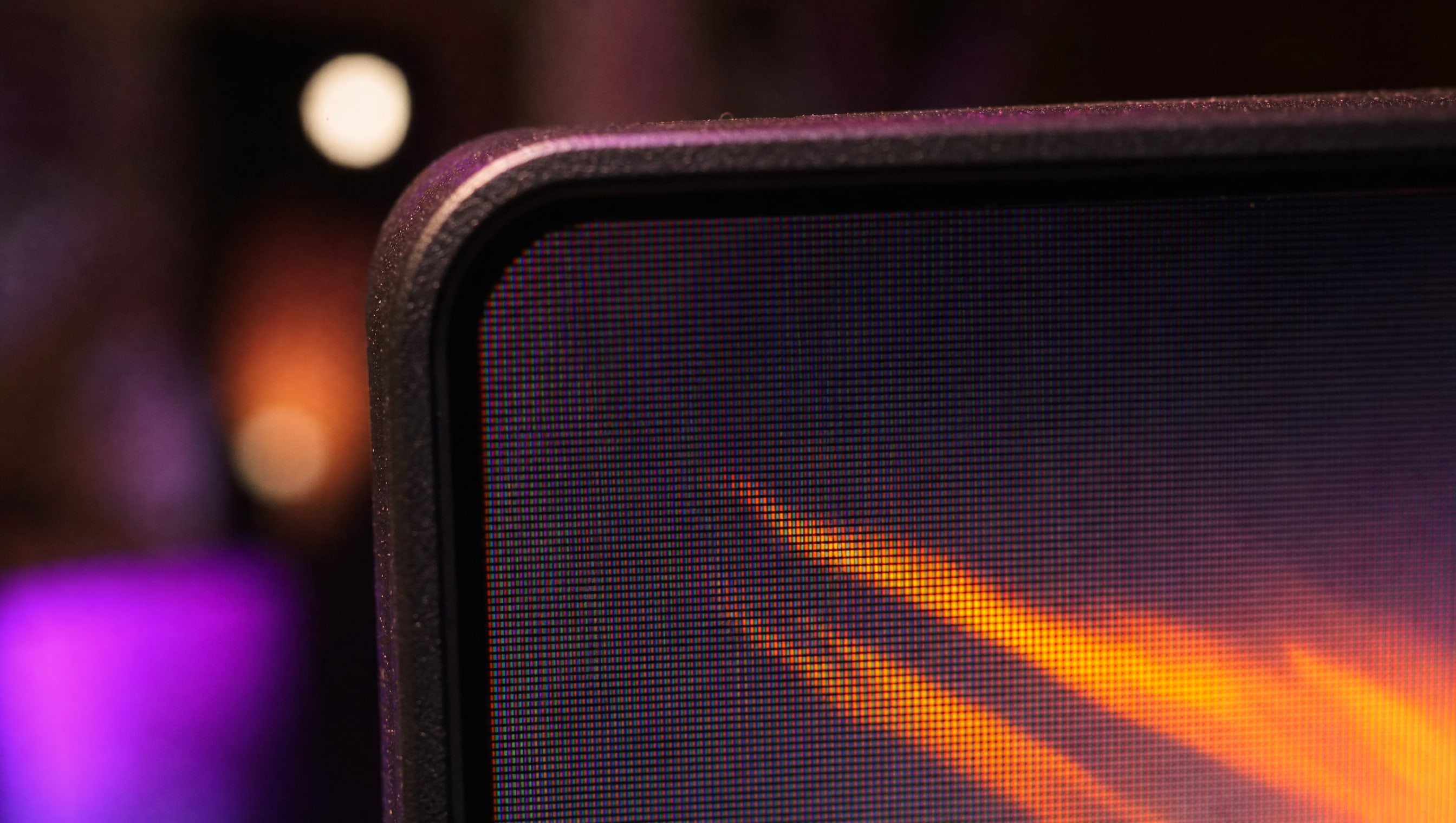
Extreme macro on the corner of a display panel, the pixel grid just resolving.

03

Settings & Calibration

Every panel ships set up to look impressive next to other panels. Twenty minutes gets you the picture you bought.

  • Brightness and contrast set against a step wedge, not by eye
  • HDR that helps versus HDR that just makes everything grey
  • Matching two mismatched monitors so the pair stops fighting
OPEN SETTINGS & CALIBRATION →
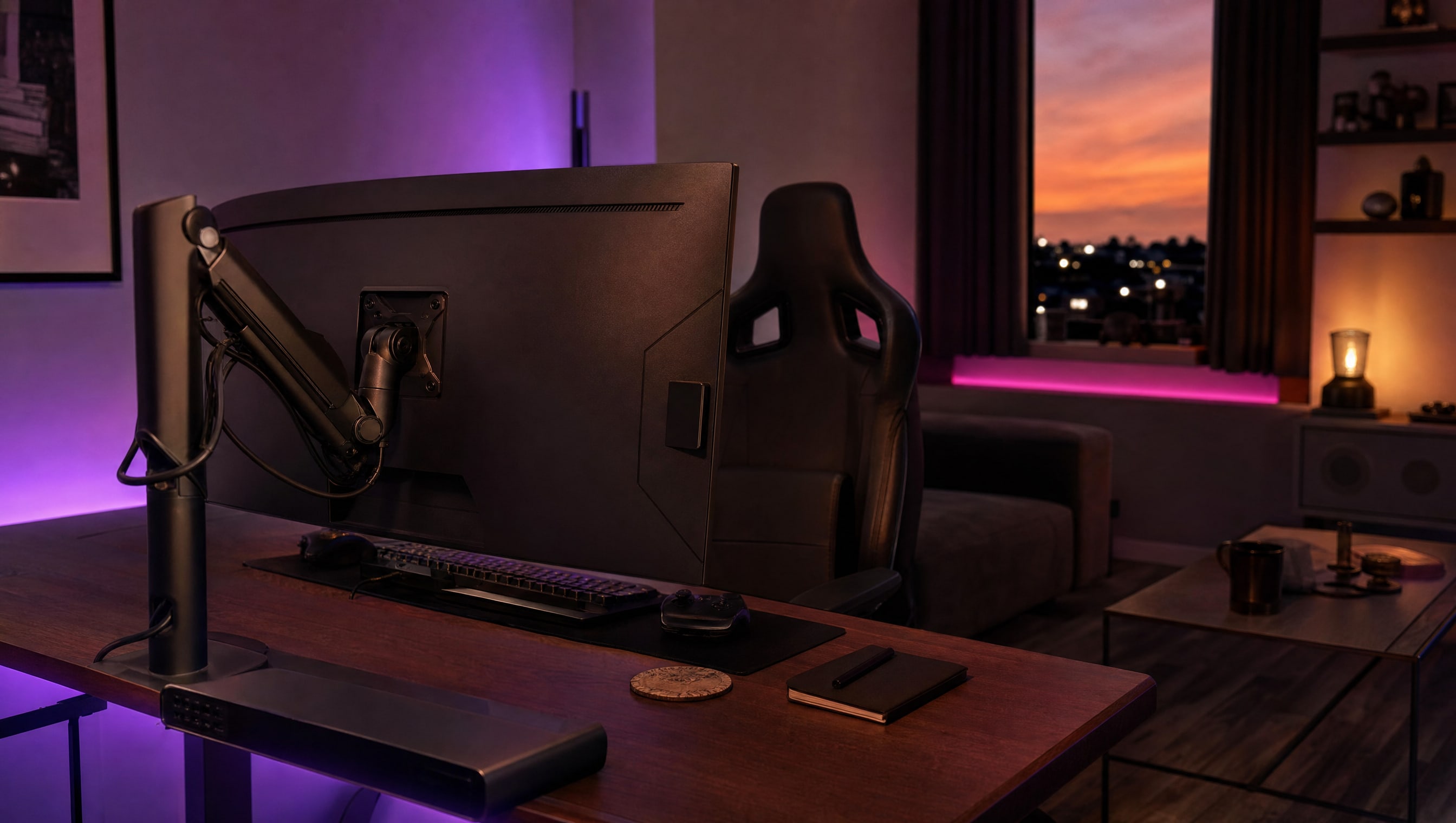
A monitor seen from behind on its arm, the mount and tilt joint readable.

You will look at this longer than you look at most people.

SLOT 05 · MONITORS & DISPLAYS
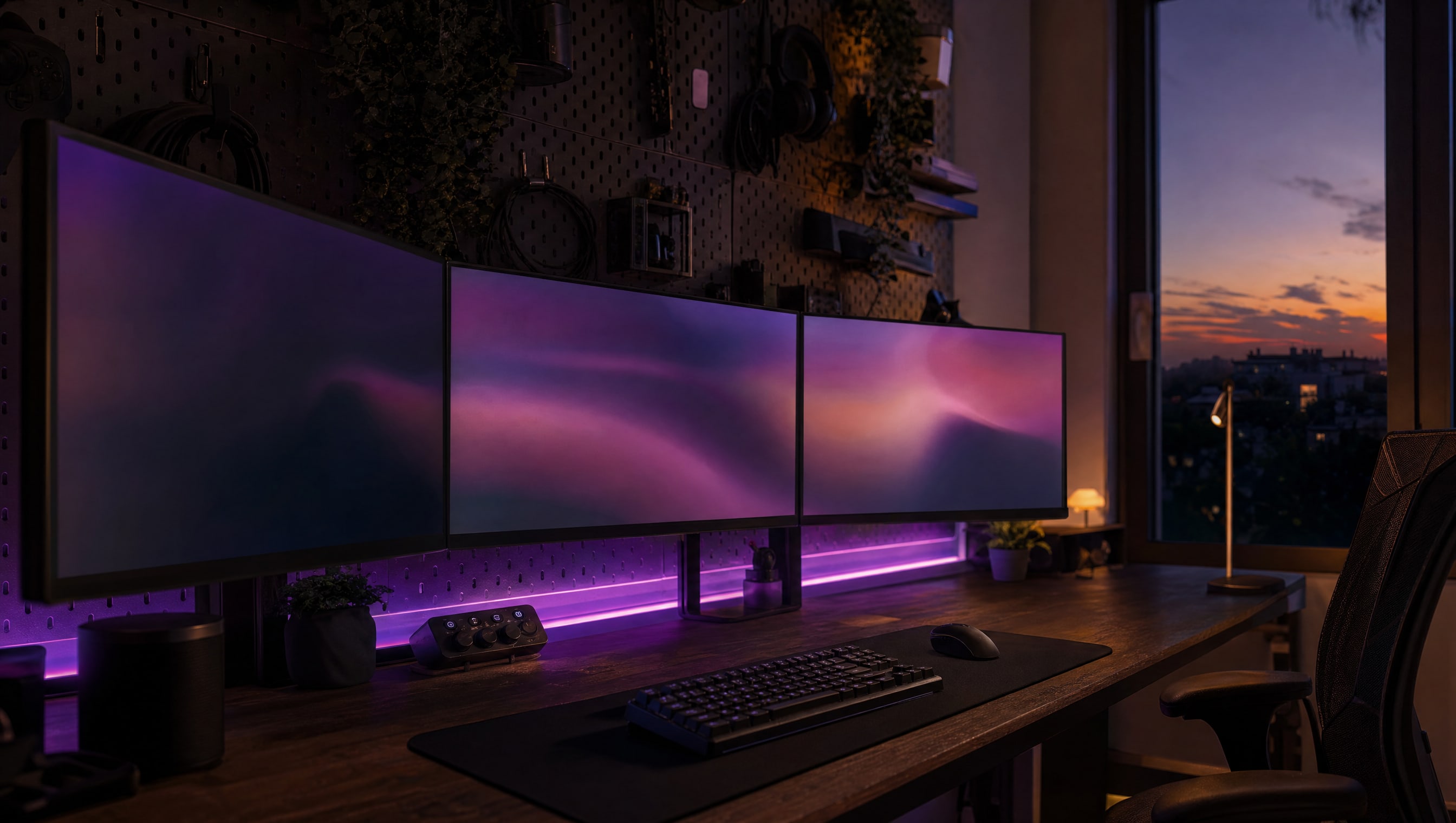
A wide desk at night: three monitors on arms, a calibration puck resting on the desk.

FROM THE CURATOR

The second monitor problem

Everybody eventually adds a second screen, and almost nobody matches it. One is warmer, one is brighter, one sits eleven millimetres lower, and for the next three years your eye does a tiny piece of work every time it crosses the gap. Twenty minutes with a step wedge and an arm that actually adjusts fixes it permanently, and it costs nothing.

BY POPPY — CLASS: CURATOR · THEPINKPIPER.GG

You are here.

SLOT 05 / 08 · MONITORS & DISPLAYS

01 PC BUILDING 02 KEYBOARDS & MICE 03 CONTROLLERS 04 CONSOLES 05 MONITORS & DISPLAYS 06 AUDIO 07 DESKS & CHAIRS 08 STREAMING

Every station in this room has its own chapter. This one is 05. Back to the room to walk to another.