01
How to set up a TV for gaming from scratch
The order to change things in, and the three settings that matter most.
★★☆ · 8 MIN
 How To: Gaming
THE HOW TO CO. — EDITION 10
How To: Gaming
THE HOW TO CO. — EDITION 10
THE DETAIL
Between your thumb and the picture there are four places time gets added, and only one of them is the television’s processing — but that one is usually the largest by a distance. Game mode switches most of it off. The rest of the chain is worth understanding so you know what is left to blame when it still feels heavy.
5 PIECES · IN THE WORKSHOP
Five pieces about a screen that was set up to be looked at, not played on.
01
The order to change things in, and the three settings that matter most.
★★☆ · 8 MIN
02
Naming the processing, and what you give up by disabling it.
★★☆ · 6 MIN
03
Checking it end to end rather than trusting a menu.
★★☆ · 6 MIN
04
The honest risk in 2026, and the habits that make it a non-issue.
★★☆ · 7 MIN
05
The rule of thumb, and why the usual advice is too conservative.
★☆☆ · 4 MIN
FROM THE CURATOR
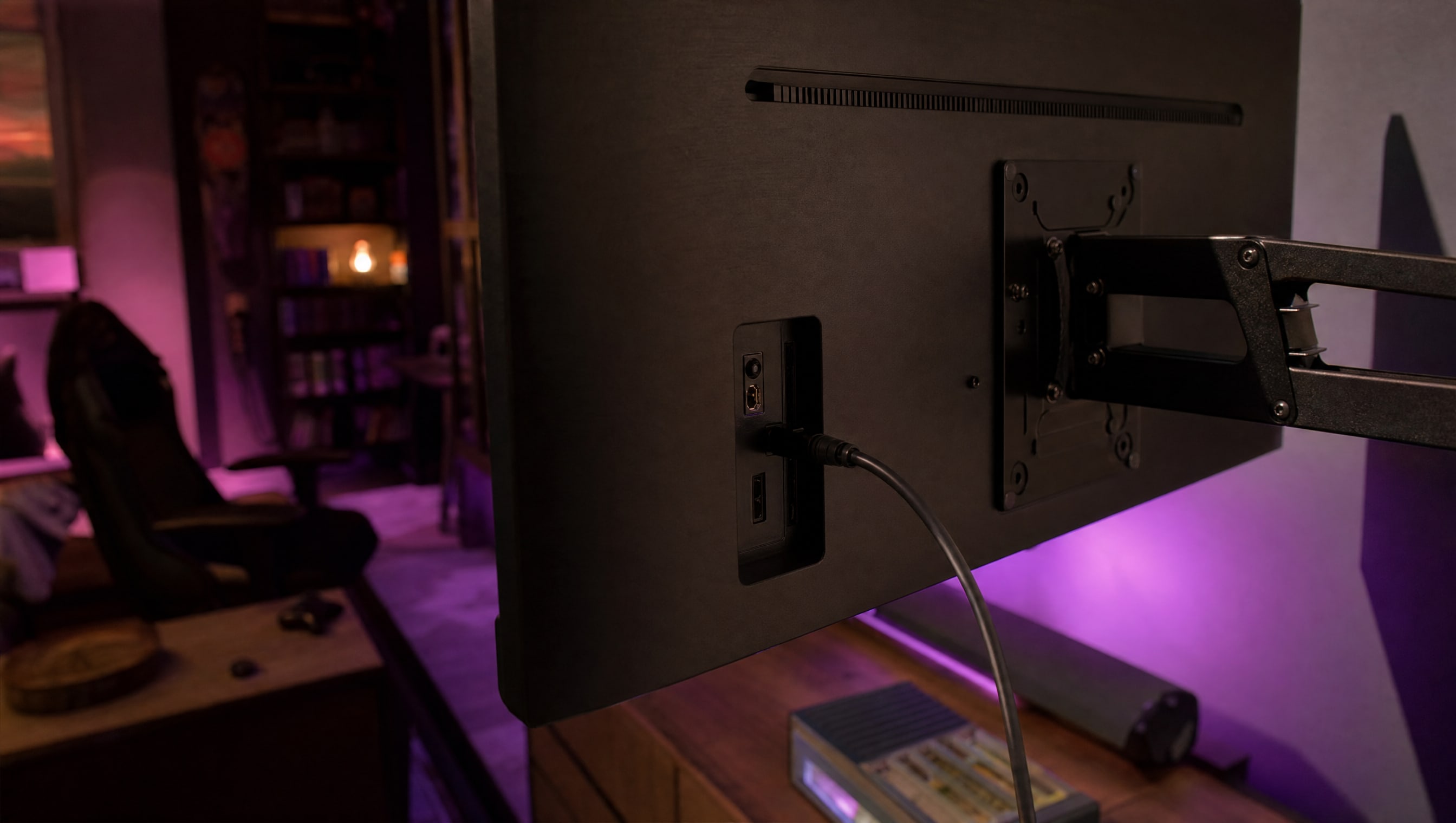
On most televisions the setting that unlocks the good stuff is not in the picture menu at all — it is buried in the input settings, called something like enhanced format, and it is off by default on every port. Until you find it the screen is quietly refusing the signal your console is trying to send, and no amount of fiddling with brightness will fix that.
BY POPPY — CLASS: CURATOR · THEPINKPIPER.GG
SLOT 05 / 08 · MONITORS & DISPLAYS
Every station in this room has its own chapter. This one is 05. Back to the room to walk to another.