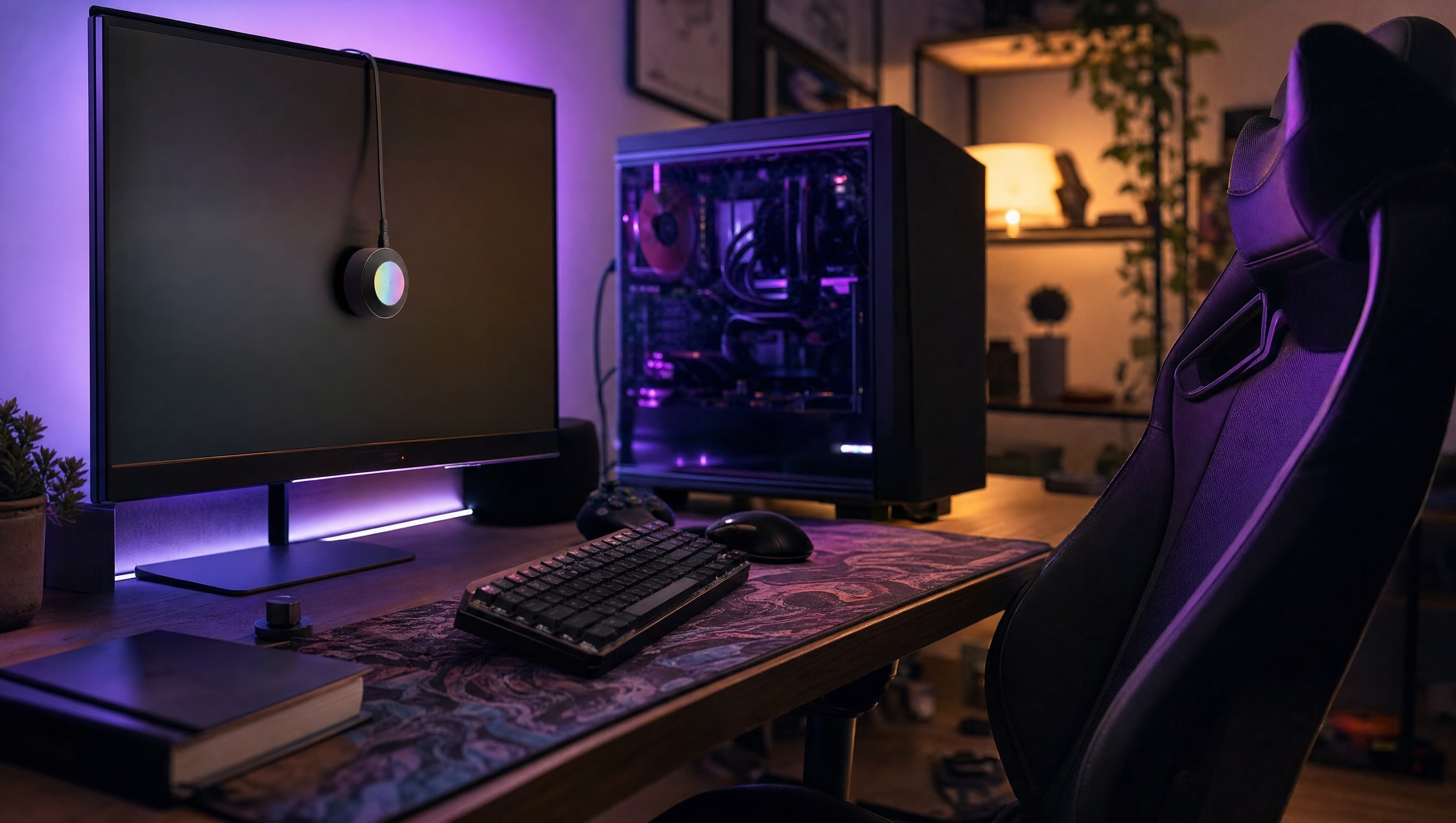
01
How to calibrate a monitor without buying anything
A step wedge, twenty minutes, and the two settings that do the work.
★★☆ · 7 MIN
 How To: Gaming
THE HOW TO CO. — EDITION 10
How To: Gaming
THE HOW TO CO. — EDITION 10
THE DETAIL
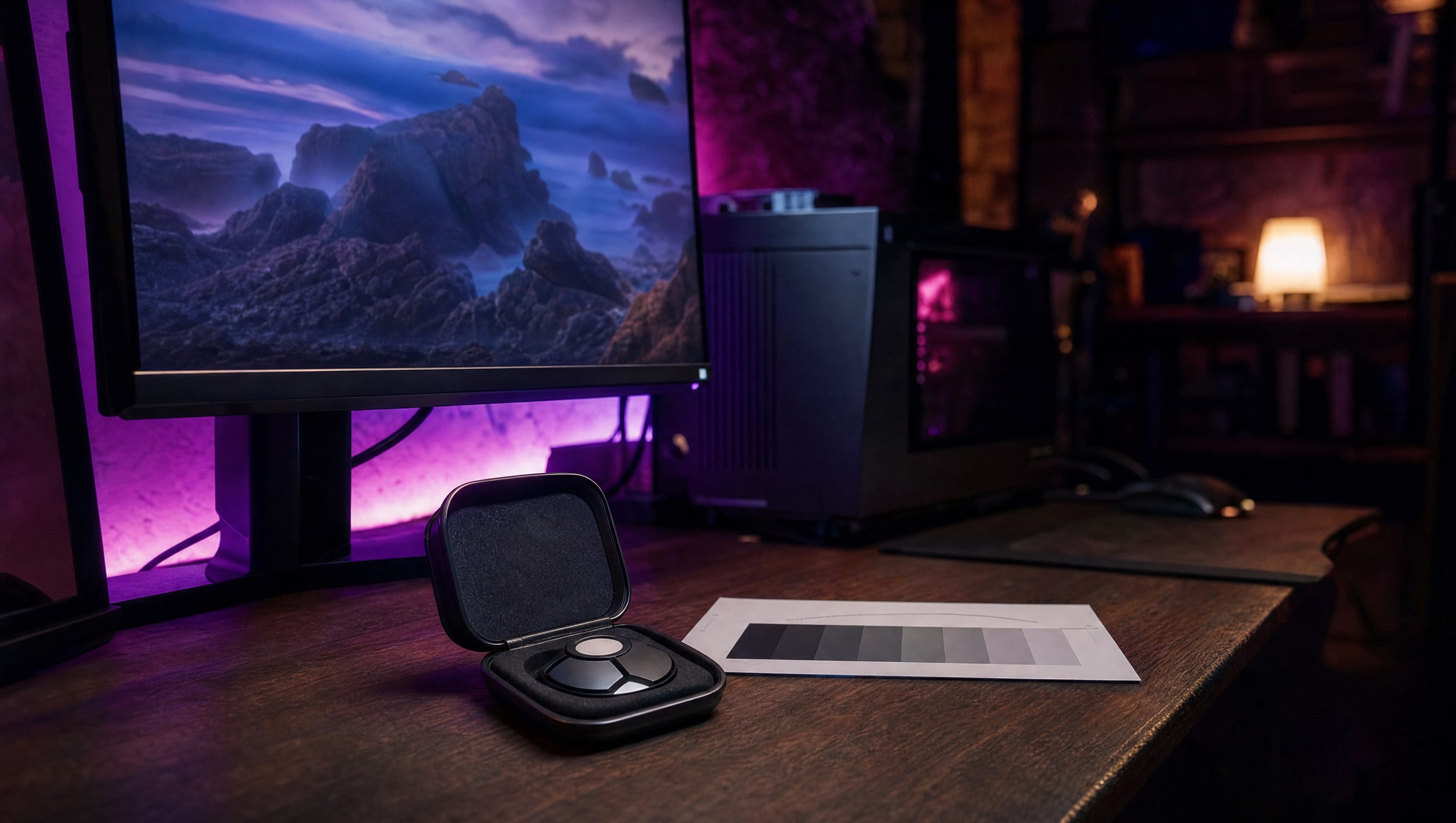
A step wedge is a row of patches from black to white, and it settles the two settings people always get wrong by eye. Turn brightness down until the darkest steps merge, then back up one — that is black crush. Turn contrast up until the lightest steps merge, then back down one — that is white clip. Everything between those looks after itself.
5 PIECES · IN THE WORKSHOP
Five pieces on getting a good picture out of a screen you already own, mostly for free.
01
A step wedge, twenty minutes, and the two settings that do the work.
★★☆ · 7 MIN
02
When it is genuinely better and when it just makes everything grey.
★★☆ · 6 MIN
03
Temperature, brightness and height, in that order.
★★☆ · 6 MIN
04
Who needs one, who does not, and what it cannot fix.
★★☆ · 6 MIN
05
Scaling, refresh mismatches and the settings that cause stutter.
★★☆ · 5 MIN
FROM THE CURATOR
Everybody eventually adds a second screen and almost nobody matches it. One is warmer, one is brighter, one sits eleven millimetres lower, and for the next three years your eye does a small piece of work every time it crosses the gap. Twenty minutes with a step wedge and an arm that actually adjusts fixes it permanently, and it costs nothing.
BY POPPY — CLASS: CURATOR · THEPINKPIPER.GG
SLOT 05 / 08 · MONITORS & DISPLAYS
Every station in this room has its own chapter. This one is 05. Back to the room to walk to another.